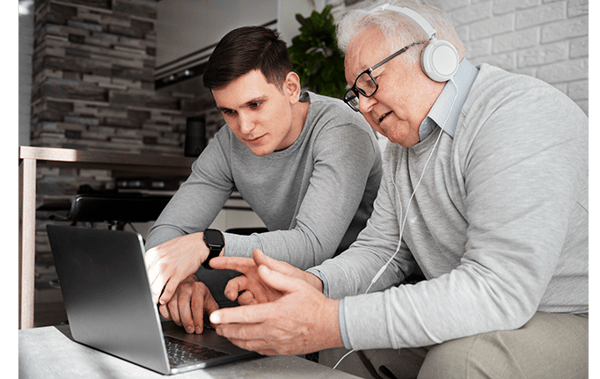
This monthly program helps you get more out of your laptop, tablet, or phone. Each session begins with a helpful feature, followed by open time to work through real questions—so everyone learns together. Bring your challenges and leave with solutions!
Past topics include:
- Zoom accessibility feature (zooming in the screen, not Zoom, the video call software)
- Email inboxes (Gmail specifically) and how you can turn on or off the automatic sorting feature
- Sharing photos between your phone and computer
- Turning off notifications for apps you don't want spamming your phone with unnecessary notifications
- Identifying how much storage is available on your device
- Password managers and their safety/security
- Siri activation and features, such as opening apps, making calls, sending texts, and setting reminders.
- Transferring photos from iPad to computer (either by using iCloud, or by plugging in), then transferring to a hard drive
- Clearing your browsing history and cookies, what cookies are, and what options to choose when a site asks for cookie permissions
- Adding/editing Outlook contacts
- Adding WhatsApp contacts
Please bring any device you would like help to make more accessible.
Here is what they are saying about Rachel's class:
"Rachel is incredibly knowledgeable and patient and individual issues are addressed."
"Rachel is so knowledgeable and helped each one of us with our specific tech issues."
"What I liked best about the class was the different topics being addressed during the class. Rachel's friendliness and knowledge."
"Rachel is so knowledgeable. I love the personal help. She gives me with specific issues on my devices."